Close the books faster, with greater accuracy
What is NetSuite Financial Close Management?
With NetSuite, finance teams can accelerate the financial close by automating inefficient manual tasks, such as journal entries, account reconciliations, variance analysis and intercompany transactions, and reducing their reliance on spreadsheets to ensure financial statements are timely and accurate. NetSuite puts all of your financial information in one place, providing convenient, permission-based access for your accounting staff. This increases efficiency by making it easier to obtain all the financial information needed quickly, generate reports and close the books faster and more accurately.

Support a Continuous Close
With automation and access to real-time financial information, you can implement a continuous or “rolling” close process, allowing accounting teams to keep accounts up to date on a daily basis and provide financial information at any time during the monthly reporting cycle.
NetSuite Financial Close Management Features
By standardising and embedding controls in the reconciliation and period-end close processes, organisations can eliminate labour-intensive activities that don’t add business value. They can simplify decentralised and disjointed workflows that lengthen cycle times, minimise the risk of control failure and better ensure the integrity of financial statements.
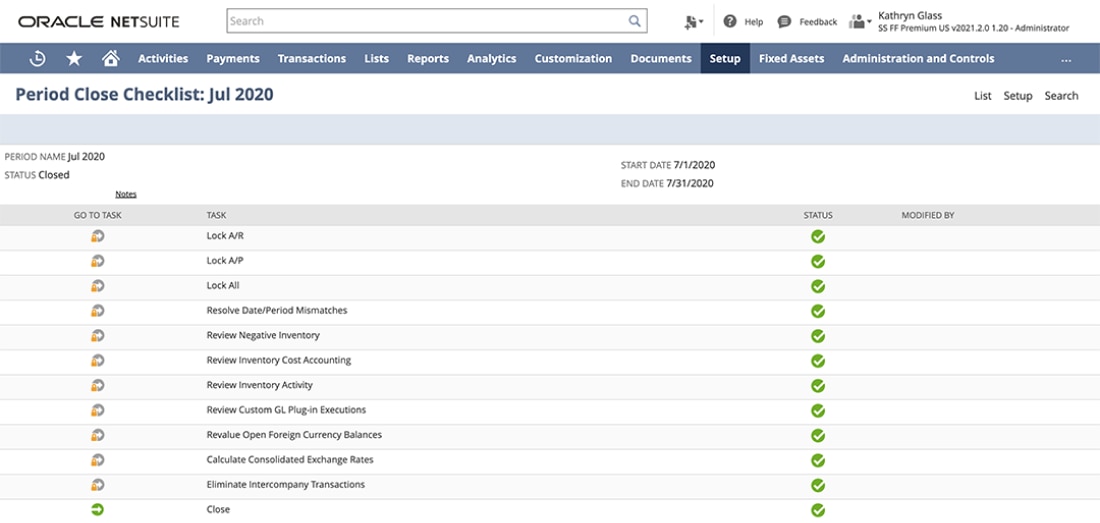
Close Process Checklist
NetSuite provides a standardised close checklist to help ensure the financial close process runs smoothly and that closing tasks are completed in the correct order. Accounting staff quickly gain a better understanding of the close cycle, and department managers are better able to track progress.

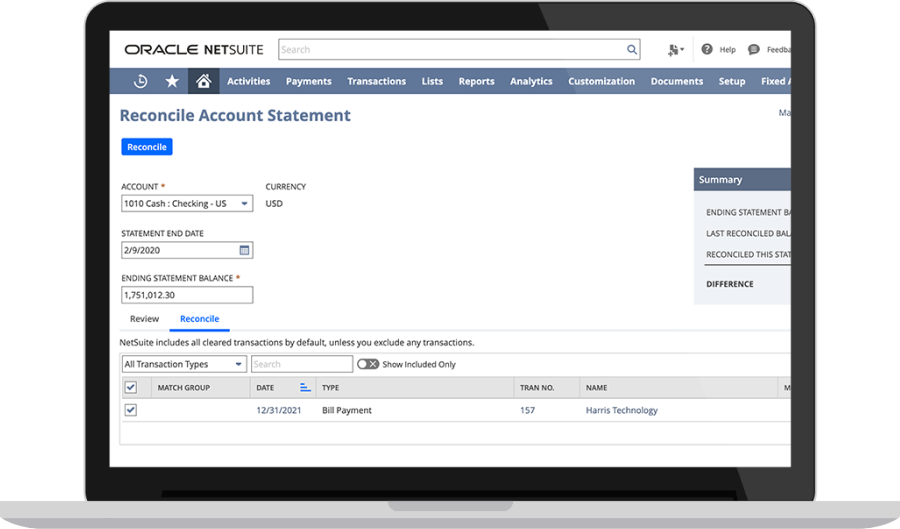
Bank Reconciliation
NetSuite's account reconciliation and banking integration features work together to save time and improve the accuracy of financial records. NetSuite automatically imports bank statement data, matches completed transactions to existing accounting records, creates journal entries for missing transactions and flags any discrepancies for review by accounting personnel.
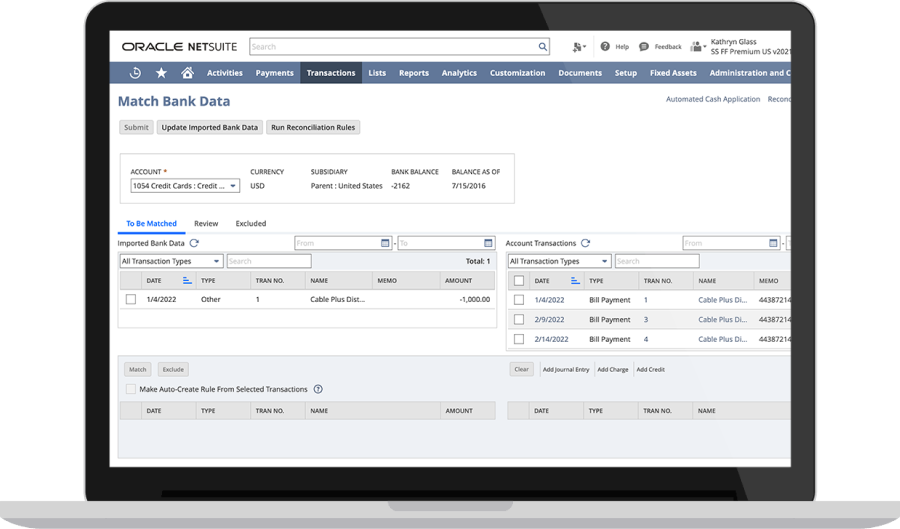
Transaction Matching
Delays in processing customer payments can show up on the balance sheet and cash flow statement as higher receivables. NetSuite helps avoid this problem by automatically matching customer payments with open invoices and updating the general ledger. This reduces the risk of error and helps ensure financial statement are accurate.
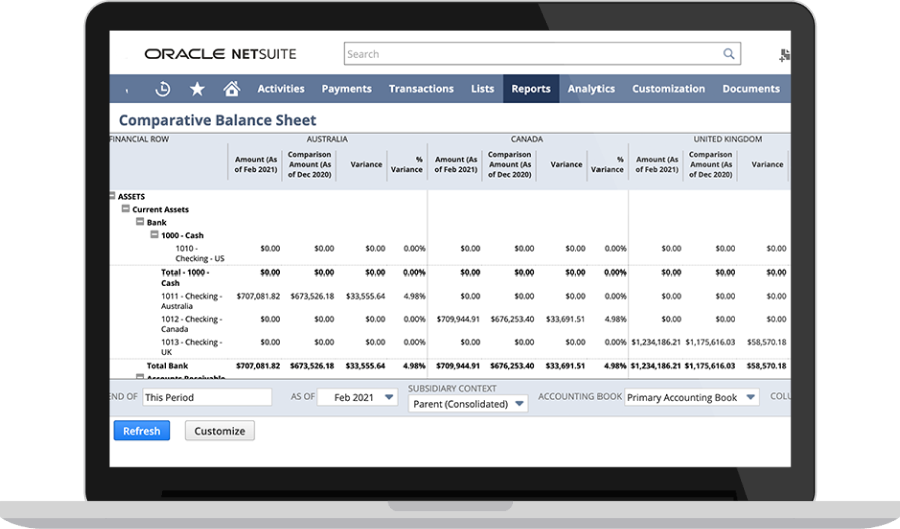
Financial Consolidation
For companies with subsidiaries, preparing consolidated financial statements is one of the most difficult steps in the close process. NetSuite automatically posts and consolidates subsidiary level accounts, saving time and improving compliance with accounting standards and reporting requirements.
Learn How ERP Can Streamline Your Business
Free Product Tour(opens in a new tab)
If anyone wants business data or insights, they go to NetSuite, not another system or someone’s spreadsheet. It's the source of truth for everything we do.
NetSuite Financial Close Management Benefits

See How NetSuite Can Help You With Your Role

Business Guide

Business Guide

Business Guide

Business Guide
Challenges NetSuite Financial Close Management Solves


How Much Does NetSuite Financial Close Management Cost?
Companies of every size, from pre-revenue startups to fast-growing businesses, have made the move to NetSuite. Looking for a better way to run your business but wondering about the cost? Users subscribe to NetSuite for an annual licence fee. Your licence is made up of three main components: core platform, optional modules and the number of users. There is also a one-time implementation fee for the initial set up. As your business grows, you can easily activate new modules and add users — that’s the beauty of cloud software.
NetSuite financial close management capabilities are included with the NetSuite platform licence.
Resources

Webinars
View our on-demand webinars, which deliver insights from NetSuite and industry experts.

Guides & Blogs
Go deep into topics around the NetSuite close management process.

Essential Learning
Discover best practises and learn more about close management from beginner to advanced levels.